



How to get validation tokens
TechSoup New Zealand provides validation services for partners such as Slack and Hootsuite.
Simply put, we validate you as a genuine not-for-profit, then you can access donated products and services directly from the provider by way of a validation token.
The validation token is a unique code that proves your genuine status to the provider, unlocking your access to their donated products and services.
Get validation tokens
- First, make sure you have registered your organisation and your qualification is completed. You can check your qualification status on your account dashboard.
- On your account dashboard, click on the "TechSoup Validation Tokens" tab.
- Use the links to access the tokens for the providers you need.
- Once on the page for the token you need, click on "Add new token".
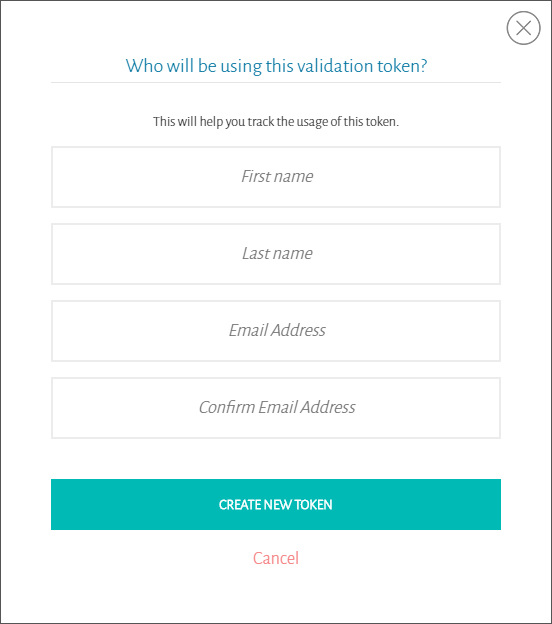
- Enter the details in the box that appears, then click "Create new token":
- The new token will appear shortly, at which point you can copy and paste where it needs to go.
If you have questions about validation tokens - or get stuck at any point - please reach out to our Customer Experience Team.